
Scan any public URL
Run a browser-based automated audit against public websites.
WCAG-focused accessibility tools
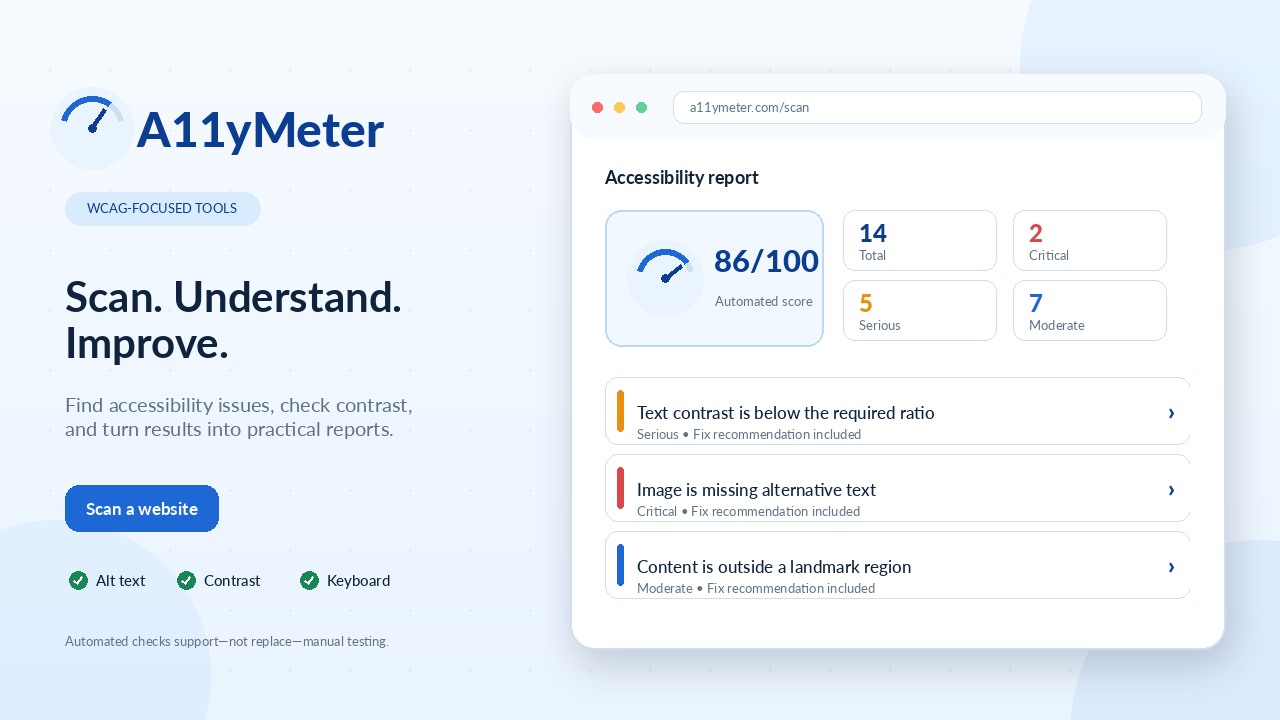
Scan public websites for accessibility issues, check color contrast instantly, and turn findings into practical reports your team can act on.
Use a public URL to generate an accessibility report with issue severity, selectors, recommendations, PDF export, and Jira-ready drafts.
Install the extension to scan pages that require login.
Free tool
Check foreground and background color contrast ratios against WCAG 2.1 accessibility guidelines. Test combinations for AA and AAA standards to help ensure readable, accessible design.
| Category | AA | AAA |
|---|---|---|
| Large text | Pass | Pass |
| Small text | Pass | Pass |
| Graphics and UI | Pass | N/A |
Live preview
Use this preview to see whether body text, headings, and interface labels remain comfortable to read.
These suggestions use the same foreground and background values as the checker. Pick one to update the entire tool.
Run a browser-based automated audit against public websites.
Flag images that need useful text alternatives.
Surface text color contrast failures from axe-core.
List focusable controls, positive tabindex, and manual test targets.
Group issues with WCAG tags, impact, affected selectors, and fixes.
Download a colorful PDF report and create Jira-ready issue drafts.
Ready-to-share outputs
Generate client-ready reports and Jira ticket drafts from the same accessibility scan, so issues are easier to review, assign, and fix.
Jira ticket draft sample
Copy-ready issue format
Moderate accessibility issue
Issue
An accessibility scan identified content that is not contained within a landmark region.
Selector
.hero-intro-message
WCAG tags
Best Practice
Fix Recommendation
Move the intro message into the main landmark so screen reader users can find it through landmark navigation.
Acceptance Criteria
PDF report sample
Colorful client-ready summary
Accessibility Checker Report
Automated accessibility report
14
Total
2
Critical
5
Serious
7
Moderate
Manual testing required
Automated scanning catches many common issues, but manual keyboard and assistive technology testing is still required.
Serious
Text should have sufficient color contrast
Recommendation: increase contrast between foreground text and background.
Then follow up with manual keyboard and assistive technology testing.